Taekwondo ITF · 24 Chang-Hon patterns
Don't count.
Feel the rhythm.
A sound partner for patterns. The wave leads the movement, tones mark strikes and blocks, commands sound in Korean — and the tempo is yours.
Free · no sign-up · works offline
- patterns
- 24
- scripted movements
- 970
- motion types
- 6
How it works
Three steps to the dojang
- 01
Pick a pattern
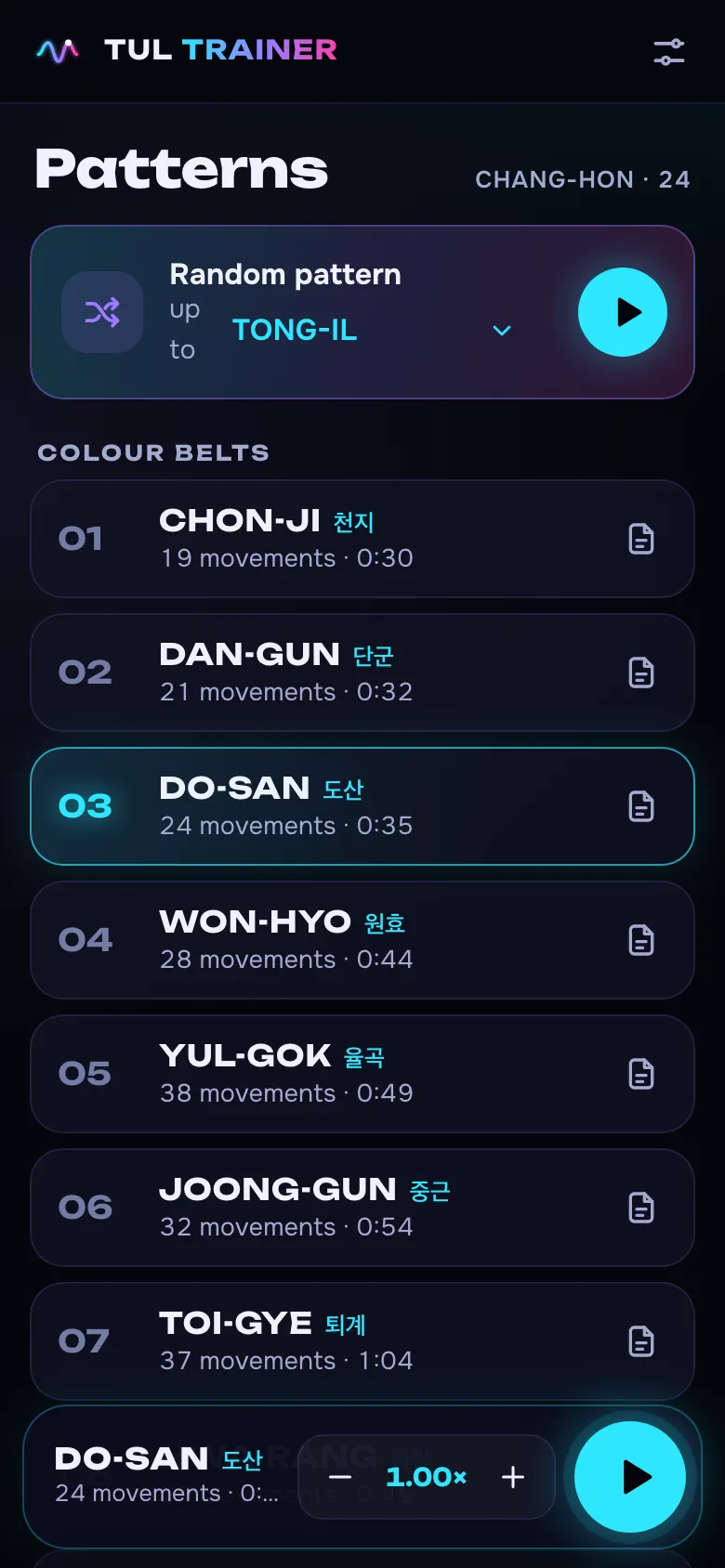
The catalog by grade, from Chon-Ji to Tong-Il. Or let chance choose — up to your level.
- 02
Set the tempo
From 0.5× to 2×. Phases, strikes and the slow count scale together.
- 03
Move to the sound
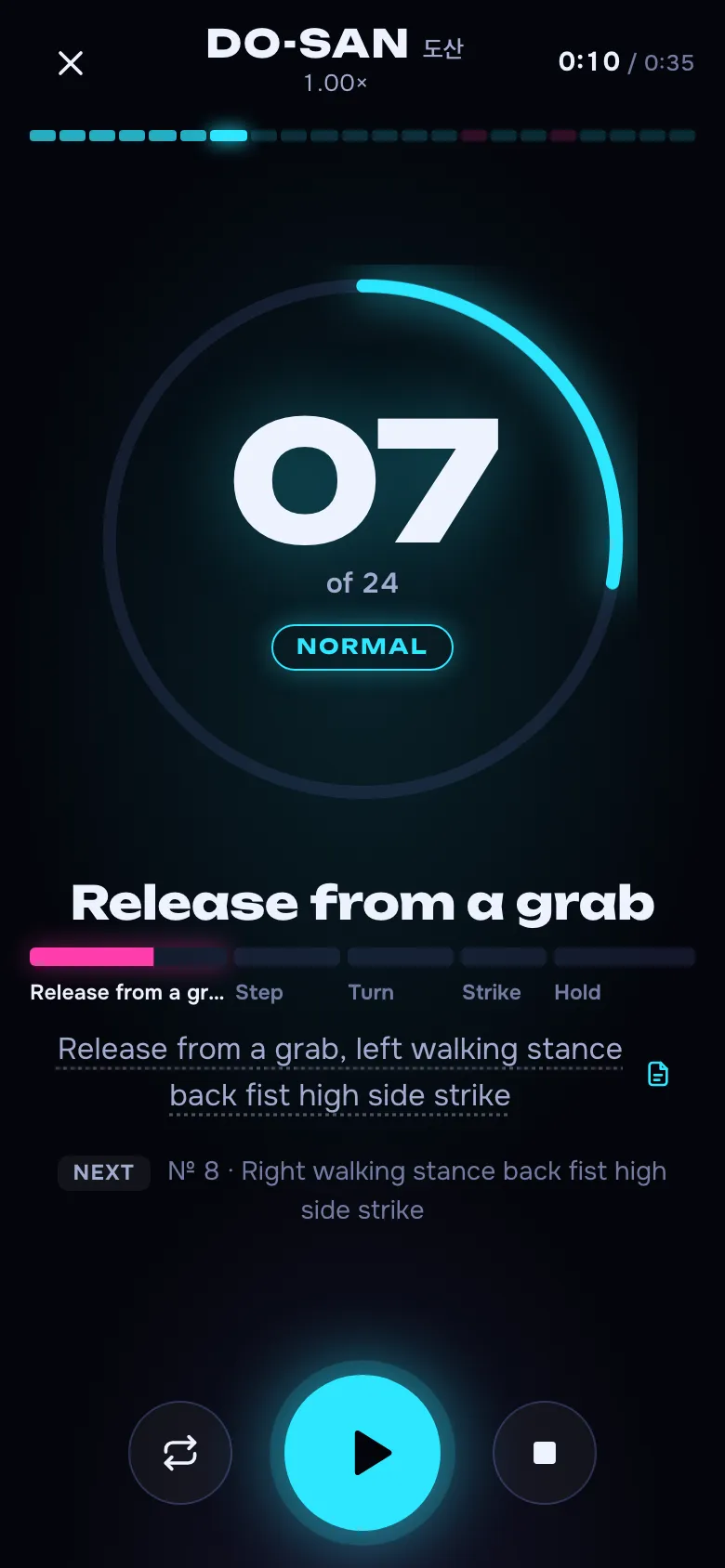
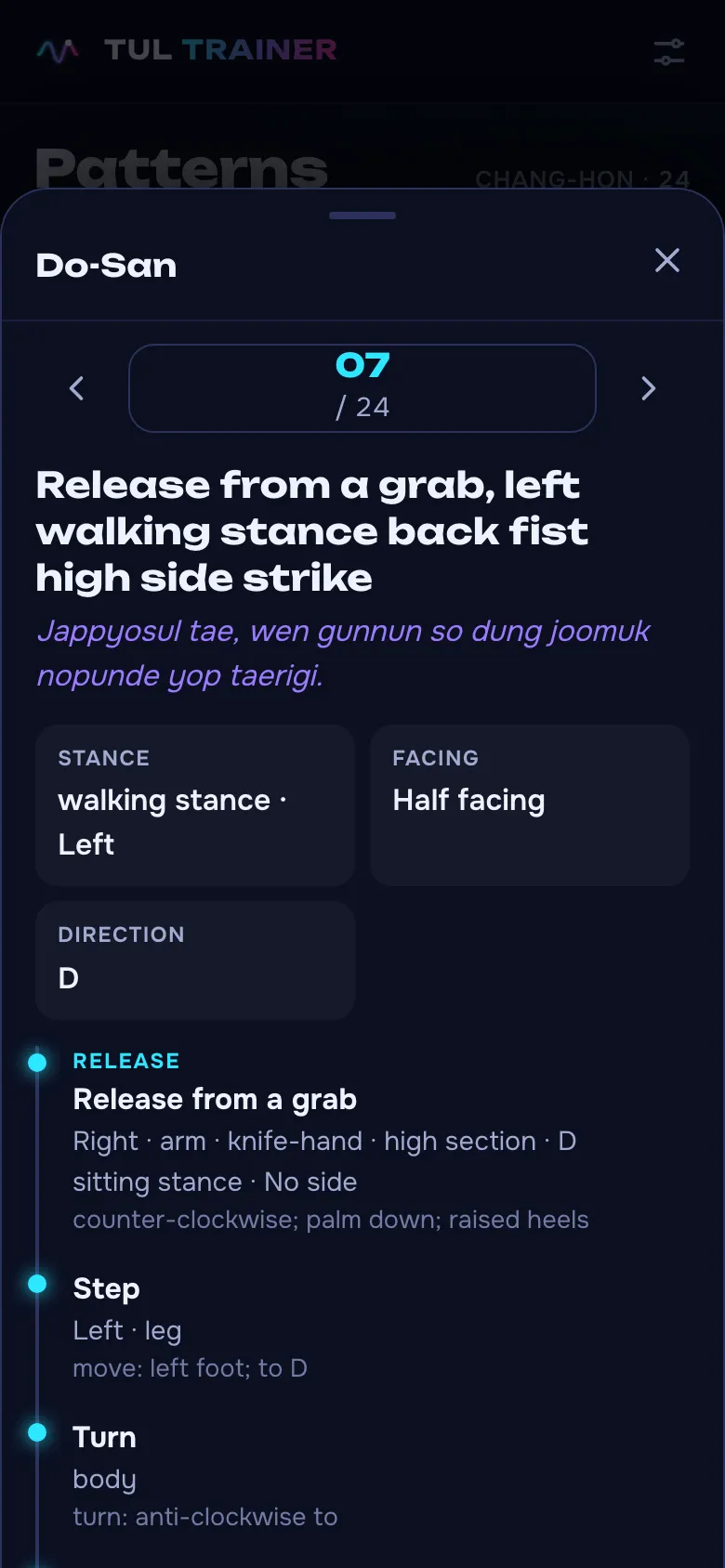
준비 — 시작 — and sound leads you movement by movement to 바로. Tap a technique name to open its description.
Sound of motion
Every movement has its wave
Six Chang-Hon motion profiles on a real time scale: relaxation, rise and the focus point.
- Strike — high tone
- Block — thud
- Wave — motion noise
- Slow — count
Normal
Fast
Continuous
Connecting
Slow
Natural
Features
Everything for practising on your own
Sound instead of counting
The wave leads the body, a high tone marks a strike, a thud a block. Releases and kicks have their own sounds.
Dojang commands
Pattern name, 준비, 시작 and 바로 in Korean, the count 하나-둘-셋-넷. Pauses are adjustable.
Script for every movement
Stance, direction, level and order of actions for all 970 movements.
Your version of a pattern
Change phase lengths, motion type and descriptions, add or remove movements — and practise it that way.
Random pattern and repeat
Like a grading: a pattern up to your level, and a new one on every repeat.
Tempo, mixer, offline
Tempo 0.5–2× and a level for every sound. Works without a network from your home screen.
FAQ
The essentials
Does Tul Trainer replace a coach?
No. It is a tool for practising rhythm on your own. Movement timing is a practice scheme, not a judging rule. Your coach teaches the technique.
Which patterns are included?
All 24 Chang-Hon ITF patterns, from Chon-Ji to Tong-Il — 970 movements with technical descriptions.
Can I adapt a pattern to my school?
Yes. Settings include an editor: make your own version, change timings, motion types and descriptions, add or remove movements. It is stored on your device.
Does it work on iPhone and offline?
Yes. Open it in Safari and add it to your home screen. After the first visit the catalog and sounds work offline.
Which languages are supported?
Ukrainian, English, French, Spanish and Dutch. Commands, pattern names and the count are in Korean; the count can follow the interface language.
How much does it cost?
Nothing. No sign-up, no ads.